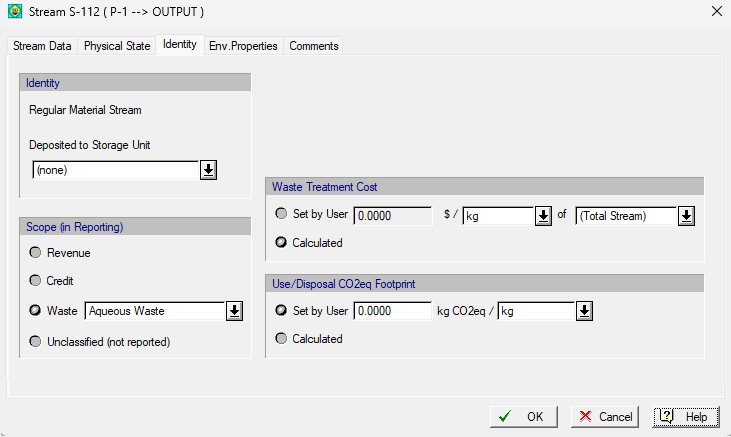
This tab is part of the Bulk Intermediate/Output Stream Dialog or the Discrete Intermediate/Output Stream Dialog that appears if you right-click on an input stream and select Simulation Data from the context menu or if you double-click on an input stream on the flowsheet. Since output streams don’t have a choice for Identity - they are all ‘Regular Material Streams’ (see Stream Identity and Stream Identity Choices for an Output Stream) from this dialog you can affect the output stream’s classification either directly (by selecting one of he four choices shown) or indirectly by assigning a receive storage unit (SU) and thus its classification will be automatically assigned to this output stream.
From this tab, you can also set the amount of CO2eq in kg of CO2eq per unit mass or unit volume of the total stream. These values affect the Global Warming Potential of the process as presented in the GWP report (see Global Warming Potential Report (GWP))
See also:
● Stream Identity Choices for an Output Stream
● Stream Identity Choices for an Input Stream
● Global Warming Potential Report (GWP)